Components
31 components are in Multi-brand. Each one is here for a reason, and every reason traces back to the answers further down.
How the decisions cascade into them ↓The inventory
Action · 2
Buttons and toggles that start or switch something.
- ButtonEvery action.

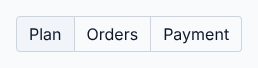
- Toggle groupMonthly or yearly prices.
Form · 10
Fields, choices and pickers that take input.
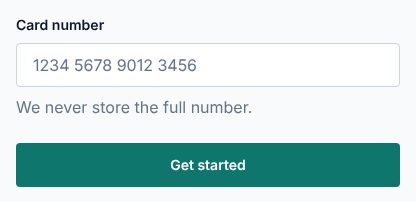
- InputSign-up and account fields.
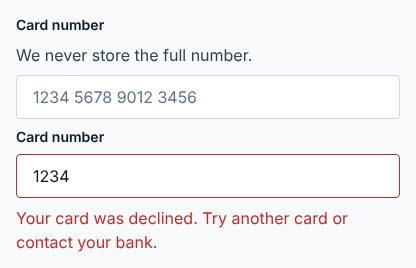
- Input otpThe code that verifies an email or phone.

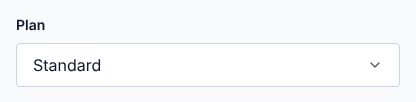
- SelectCountry and plan options.
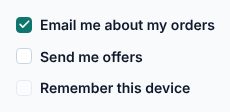
- CheckboxTerms and preferences.
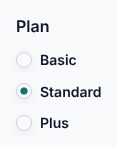
- Radio groupPicks a plan.
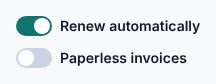
- SwitchAccount settings.
- LabelNames every control.
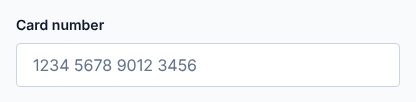
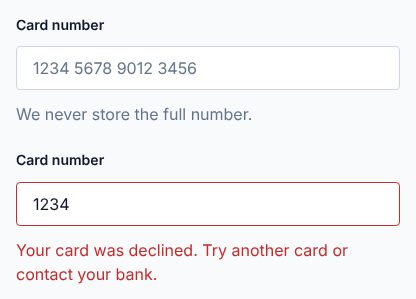
- FieldLays out every form the same way in every brand.
- TextareaMessages to support.
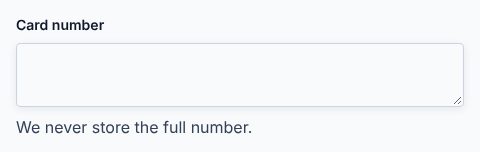
- FormValidation shared by every product team.
Navigation · 5
Menus, tabs, breadcrumbs and bars that move between places.
- Navigation menuBrand site navigation.
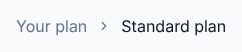
- BreadcrumbWhere a page sits in the account area.
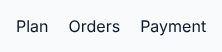
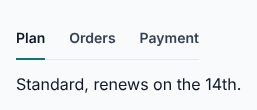
- TabsSections of the account.
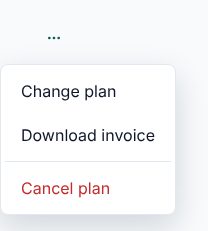
- Dropdown menuThe account menu.
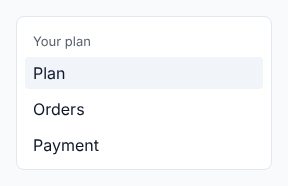
- SidebarAccount area navigation.
Feedback · 6
Alerts, toasts, loading and empty states that report what happened.
- BadgePlan and status labels.
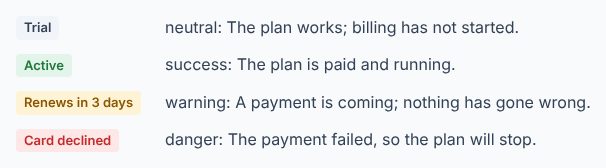
- AlertBilling problems.
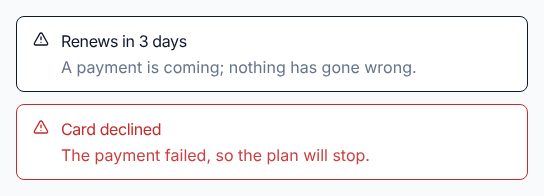
- ToastConfirms a saved change.
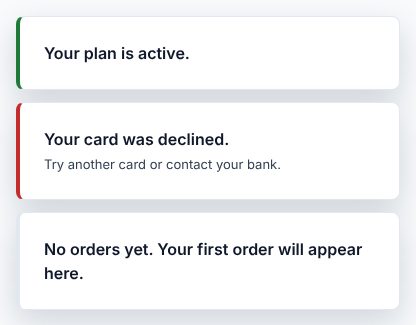
- SkeletonPlans and orders while they load.
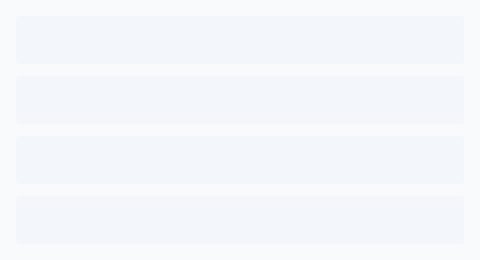
- SpinnerA payment in progress.

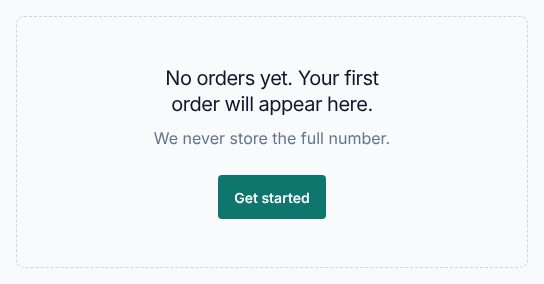
- EmptyNo orders yet.
Overlay · 4
Dialogs, sheets, popovers and tooltips that sit above the page.
- DialogChange a plan.
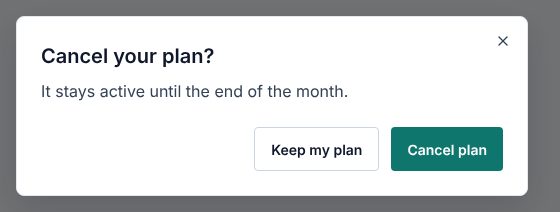
- Alert dialogCancel a plan.
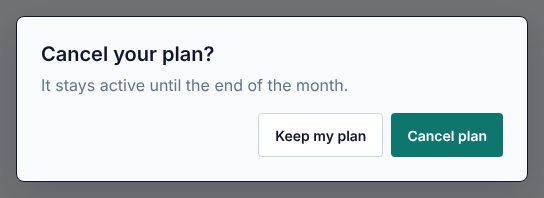
- SheetThe menu on a phone.
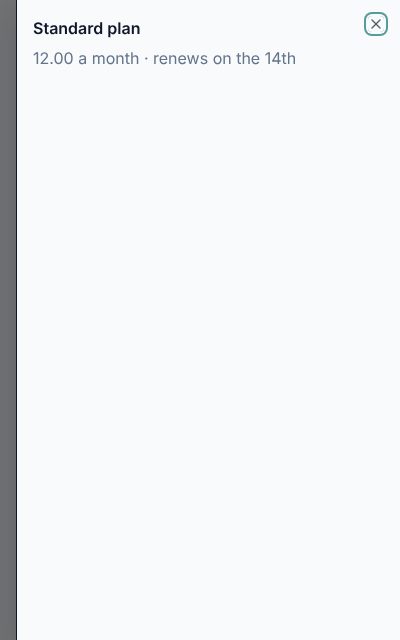
- PopoverPlan details and fee explanations, opened by tap on any device.
Layout · 2
Cards, separators and containers that group and arrange content.
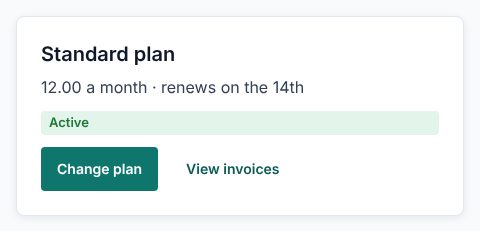
- CardPlans and products.
- SeparatorGroups of settings.

Content · 1
Accordions and sections that organise long text.
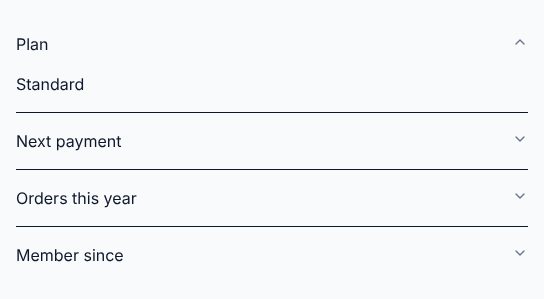
- AccordionFrequent questions.
Media · 1
Images, avatars and carousels.
- AvatarThe customer in the account menu.

How the decisions cascade into them
The reasons come first. Five answers follow from them, and each answer shapes the inventory.
1 · The reasons
- R1Content and dataForms and tasks, a moderate amount
- R2Team and deliveryA platform team, every month
- R3BrandNeutral and adaptable, present
- R4OutcomesCompletion without errors, looking off-brand
- R5Tasks and flowsComplete a form, sometimes
2 · Five answers, and what each does to the inventory
- Which component families does it need?becauseR1R2
- Actions, forms, feedback, overlays, layout and navigation
- Core, plus data
- Core, plus content and media (chosen)
- Core, plus media
Product teams build sign-up and account forms, plus product pages with questions and faces.
Admits 8 families: action, form, feedback, overlay, layout, navigation, content, media.
- How far does the inventory reach?becauseR2R2
- Only what today's screens useA component joins when a screen in use needs it, not before.
- What today's screens use, plus what the next ones will likely need (chosen)Covers the screens in use and the ones the team can see coming, so they find the parts ready.
- Everything its families offer, ready before it's asked forEvery component the admitted families hold is there from the start, so teams never wait for one.
Three product teams find their next parts ready, kept by one platform team.
What today's screens use, plus what the next ones will likely need: Multi-brand carries 31, as many as its needs.
- How does a component earn its place?becauseR2R2
- A use scenario needs it
- Its family is in the roles, so product teams find it ready (chosen)
- It works for everyone, with any device and assistive technology
- It gives the brand a moment
Product teams find a whole family ready instead of asking one by one.
Every component in the list above names the need it meets.
- When does a component get another look?becauseR3R4
- Only when the meaning changesA new variant only for a different meaning, such as the main action or a danger.
- Also for emphasis and size (chosen)Variants also set how loud a component is and how much room it takes.
- Also so each brand or page can look its own wayVariants also let a brand or a page carry its own look on the same component.
Variants for emphasis and size let each brand feel present without new components.
Also for emphasis and size variants per component: the components above keep to them.
- Where do components do the most work?becauseR1R5
- Tables and forms
- Articles
- Forms and steps
- Sign-up and account pages (chosen)
- Campaign sections
Most components sit in sign-up and account pages.
Most components above serve sign-up and account pages.
3 · The inventory
31 components, listed above, each with the reason it passed. Back to the list
Multi-brand carries 31 components: core, plus content and media, each admitted because its family is in the roles, so product teams find it ready.