Components
16 components are in Brand expressive. Each one is here for a reason, and every reason traces back to the answers further down.
How the decisions cascade into them ↓The inventory
Action · 1
Buttons and toggles that start or switch something.
- ButtonThe one action: sign up.

Form · 3
Fields, choices and pickers that take input.
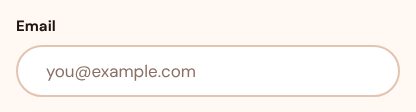
- InputThe sign-up email.
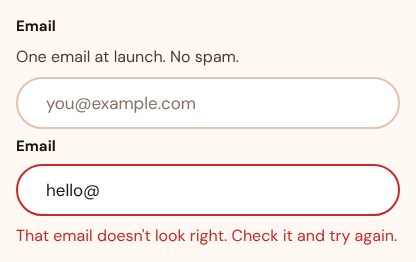
- LabelNames the field.
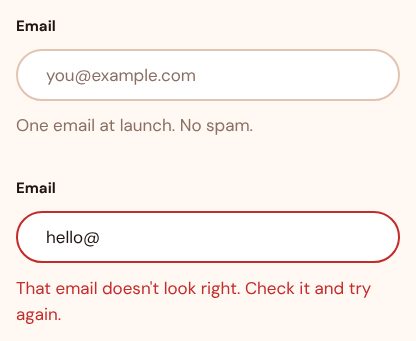
- FieldLays out the sign-up form.
Navigation · 1
Menus, tabs, breadcrumbs and bars that move between places.
- Navigation menuThe site sections.

Feedback · 3
Alerts, toasts, loading and empty states that report what happened.
- BadgeNew and limited labels.
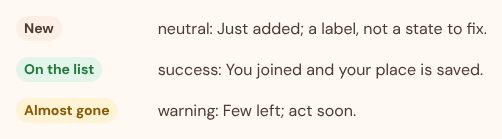
- ToastConfirms a place on the waitlist.
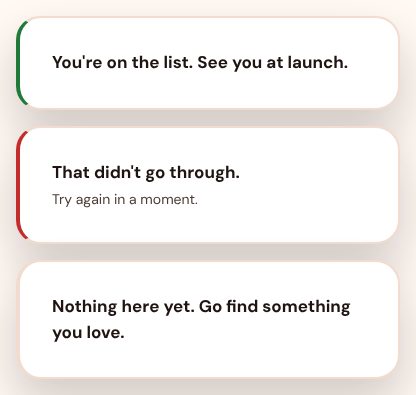
- SkeletonImages while they load.

Overlay · 3
Dialogs, sheets, popovers and tooltips that sit above the page.
- DialogThe waitlist form over the page.
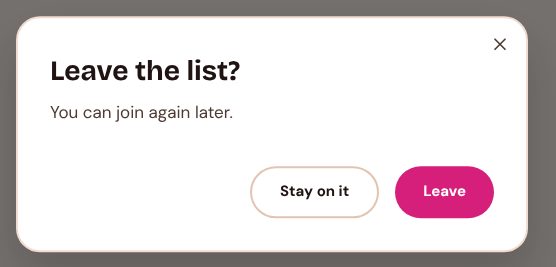
- PopoverA product preview that opens on tap.
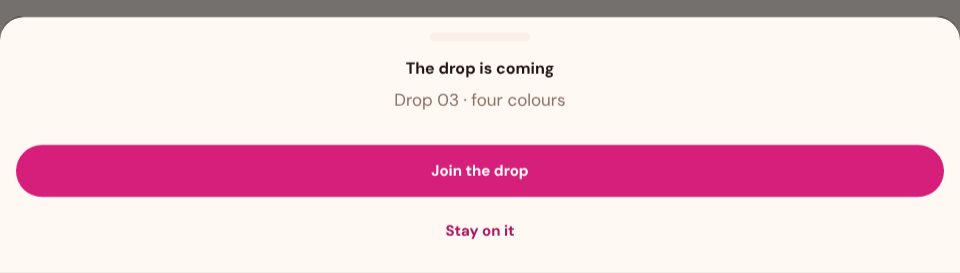
- DrawerThe menu on a phone.
Layout · 2
Cards, separators and containers that group and arrange content.
- CardProducts and features.
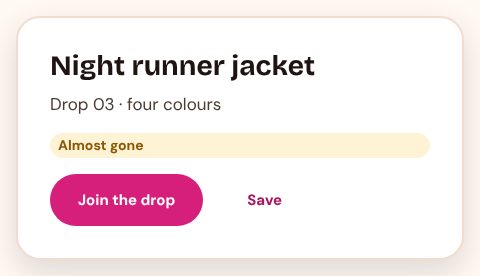
- SeparatorBreaks between sections.

Media · 3
Images, avatars and carousels.
- CarouselMoves through campaign images.
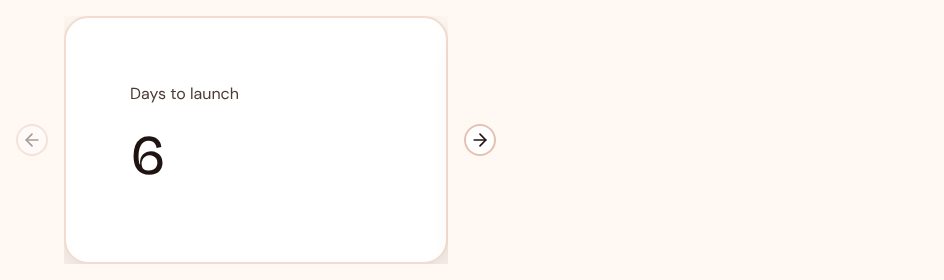
- Aspect ratioKeeps campaign images in shape.
- AvatarFaces in quotes from customers.

How the decisions cascade into them
The reasons come first. Five answers follow from them, and each answer shapes the inventory.
1 · The reasons
- R1Content and dataImages and campaigns, one idea at a time
- R2BrandBold, loud
- R3Tasks and flowsBrowse and explore, rarely
- R4Team and deliveryAn agency, every campaign
- R5OutcomesEngagement, looking off-brand
2 · Five answers, and what each does to the inventory
- Which component families does it need?becauseR1R2
- Actions, forms, feedback, overlays, layout and navigation
- Core, plus data
- Core, plus content and media
- Core, plus media (chosen)
Campaigns lead with media and big sections.
Admits 7 families: action, form, feedback, overlay, layout, navigation, media.
- How far does the inventory reach?becauseR3R4
- Only what today's screens use (chosen)A component joins when a screen in use needs it, not before.
- What today's screens use, plus what the next ones will likely needCovers the screens in use and the ones the team can see coming, so they find the parts ready.
- Everything its families offer, ready before it's asked forEvery component the admitted families hold is there from the start, so teams never wait for one.
One action and a story need only the parts in use; an agency keeps them fresh.
Only what today's screens use: Brand expressive carries 16, as many as its needs.
- How does a component earn its place?becauseR2R5
- A use scenario needs it
- Its family is in the roles, so product teams find it ready
- It works for everyone, with any device and assistive technology
- It gives the brand a moment (chosen)
A component joins when it gives the campaign a moment.
Every component in the list above names the need it meets.
- When does a component get another look?becauseR4R2
- Only when the meaning changesA new variant only for a different meaning, such as the main action or a danger.
- Also for emphasis and size (chosen)Variants also set how loud a component is and how much room it takes.
- Also so each brand or page can look its own wayVariants also let a brand or a page carry its own look on the same component.
Variants for emphasis and size let each campaign look a little different.
Also for emphasis and size variants per component: the components above keep to them.
- Where do components do the most work?becauseR1R3
- Tables and forms
- Articles
- Forms and steps
- Sign-up and account pages
- Campaign sections (chosen)
Components sit inside big campaign sections.
Most components above serve campaign sections.
3 · The inventory
16 components, listed above, each with the reason it passed. Back to the list
Brand expressive carries 16 components: core, plus media, each admitted because it gives the brand a moment.